SparkRx App: Program Goals Project

Company: Limbix
Platform: SparkRx mobile app (digital treatment for teen depression)
Partners: Clinical lead, Project Manager, Content Lead, and UX Designer
Role: Senior Content Designer

Problem: We knew from clinical data that having users set goals at the beginning of a digital treatment program — and reminding them of their goals throughout the program — helps with motivation and engagement. We introduced goals in onboarding but then never resurfaced them again during the 5-week program.
Goal: Our goal was to find a way to resurface the goal(s) the user selected in onboarding in a way that feels cohesive later in the program and optimizes for motivation. We wanted to develop multiple options and test them internally. We also learned from earlier user research that the five existing goals in our onboarding tested well with users, so we knew we didn't want to change the goals themselves.
My role: I was the content design lead on the project and worked with the program's clinical and design leads as well as the initial content designer of the program. I helped drive the project forward by identifying multiple places in the program where it could make sense to resurface goals. I then designed and proposed a few content solution options. For a month, the group of us met weekly to discuss and review the latest designs and ideas together.
Solution: After reviewing and testing a few of the prototypes internally, we decided it would fit best for goals to resurface in Week 2 of the program where we also introduce values to the user. We helped the user connect their goals with values as well as see how knowing these could help them choose activities that would help their treatment (a key component of the program).

Screen 1: The app home screen that shows the user's current level and progress in the program.

Screen 2: The first screen inside the lesson and where the concept of goals is resurfaced for the first time since onboarding.
It also ties goals to an activity the user learned in the previous lesson (finding up activities).

Screen 3: The user's goal is resurfaced for the first time since onboarding.
We also added the option for a user to pick an additional goal. Our clinical team advised adding this option because it is not uncommon for users to want to change their goal/pick a new goal during the course of treatment.
Allowing users to edit their goal(s) later in the program was a bigger lift than we had resourcing for, so we decided that adding the option of selecting an additional goal here would achieve the same goal of giving the user more choice.
We also created a separate content path for users that hadn't yet picked a goal (the "I don't know" option in boarding) and prompted them to choose one.

Screen 4: Confirmation screen of the user's goals.

Screen 5: Helps users understand how goals work (and how they will be different from values that they'll learn about next in the lesson).
This is also a moment where the program's robot guide, Limbot, helps strengthen the "therapeutic alliance" with the user by sharing a few examples from their own life.

Screen 6: Serves as the bridge between goals and values for the user.
This is another moment where program guide, Limbot, shares a few personal examples to help the user further understand what values are and help them begin to think about their own values.

Screen 7: Makes the connection between goals and values to help the user understand how they are different — and how both are important to keep in mind during the program.
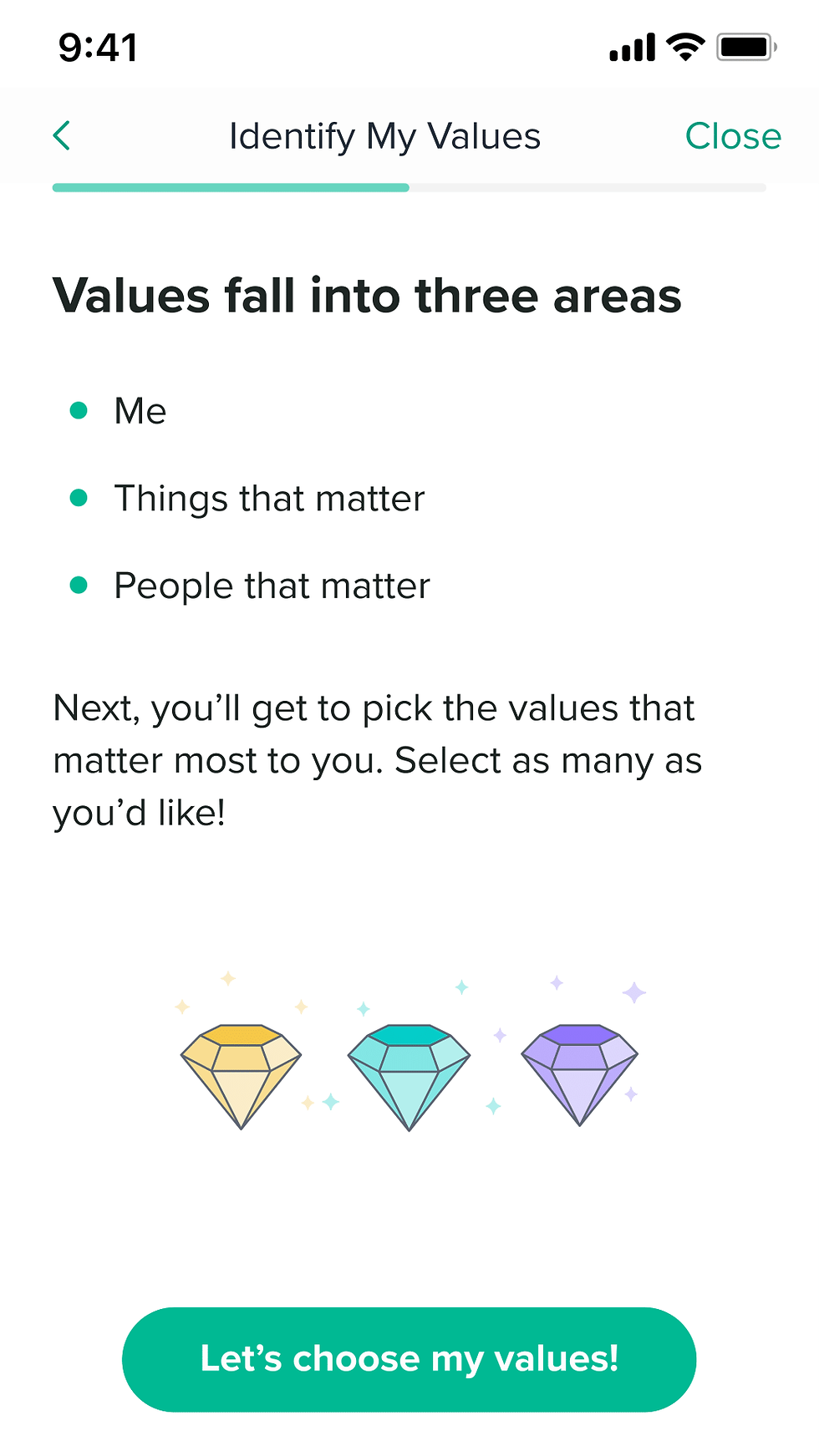
Screen 8: Gives the user more information about values for when they need to pick their own later in the lesson.


Comments